

Dan Bricklin @danb@social.cleverlibre.org
One of the VisiCalc guys, CTO Alpha Software, DBDemo, Trellix, blogger, podcaster, SocialCalc, iPad app: Note Taker HD, president of Software Garden, Inc.
Joined Nov 2022
Dan Bricklin
boosted

The Apple Vision Pro is a watershed moment for personal computing.
I tried it a week ago, and haven't stopped thinking about it since.
Here is my story on three pivotal moments from my Vision Pro demo and why spatial computing is a new frontier.
https://www.macstories.net/stories/apple-vision-pro-a-watershed-moment/
Dan Bricklin
boosted

@marcoarment Happy Birthday! Thank you for all of the joyful things you make!
Oh, and all of it cost a few thousand dollars at least, in 1979 dollars, with a 40x25 character-only screen.
The original Apple II required execs to use a keyboard like a (usually female) secretary, have a Sony TV on the desk, and a rainbow ribbon cable. How dorky! With s/w like spreadsheets they outdid their coworkers. Wait for killer apps for #VisionPro. It's worthy of them.
(What I mean by "gesture experience" is thinking how to add use of gestures as part of the UI for productivity apps. Some of us did that for apps for GO's PenApps and MS PenWindows. Probably most of the original people at MS who did that are no longer there, though.)
Microsoft has been working on AR for years. Did they stop hardware and OS work after talking to Apple about #VisionPro, but continue all the Office, etc., software work? Microsoft reportedly made more (after costs) on each original Mac selling software (MultiPlan, Word, etc.) than Apple did the hardware. They have gesture experience from the Pen Windows days.
Dan Bricklin
boosted

For anyone who watched ONLY the main WWDC Keynote segment about Vision Pro and then decided Apple had ditched accessibility to leave blind people outside in the cold, I can absolutely recommend this session: “Create accessible spatial experiences”
https://developer.apple.com/wwdc23/10034
#A11y #Accessibility #UIAccessibility #VisionPro #VoiceOver #WWDC #WWDC23
Dan Bricklin
boosted

I think I’m one of the (few?) humans who could use the new Apple iFacePlate right now. I’ve got this project where I’m intensely editing a large complex doc, frequently accessing several other large complex docs (& browser) for materials. I have a big outboard screen, but still a painful amount of window shuffling. The ability to simultaneously display and read more BIG windows than any physical screen could manage would make my life way easier.
@_Davidsmith As I asked and partially answered in this toot: https://qoto.org/@danb/110505148037732448 , what is #VisonPro much better at than laptops/phones, etc? The answer helps you then figure out which types of applications it's better for, and then for which apps now might be a good time to build/rethink.
@gallaugher I haven't been out to much since COVID, but #MassTLC has a variety and is adding more. Also, follow @scottkirsner
@_Davidsmith Did you get to try any widgets? How about widgets with input? Does it feel like enough space to have lots of them always around?
Dan Bricklin
boosted

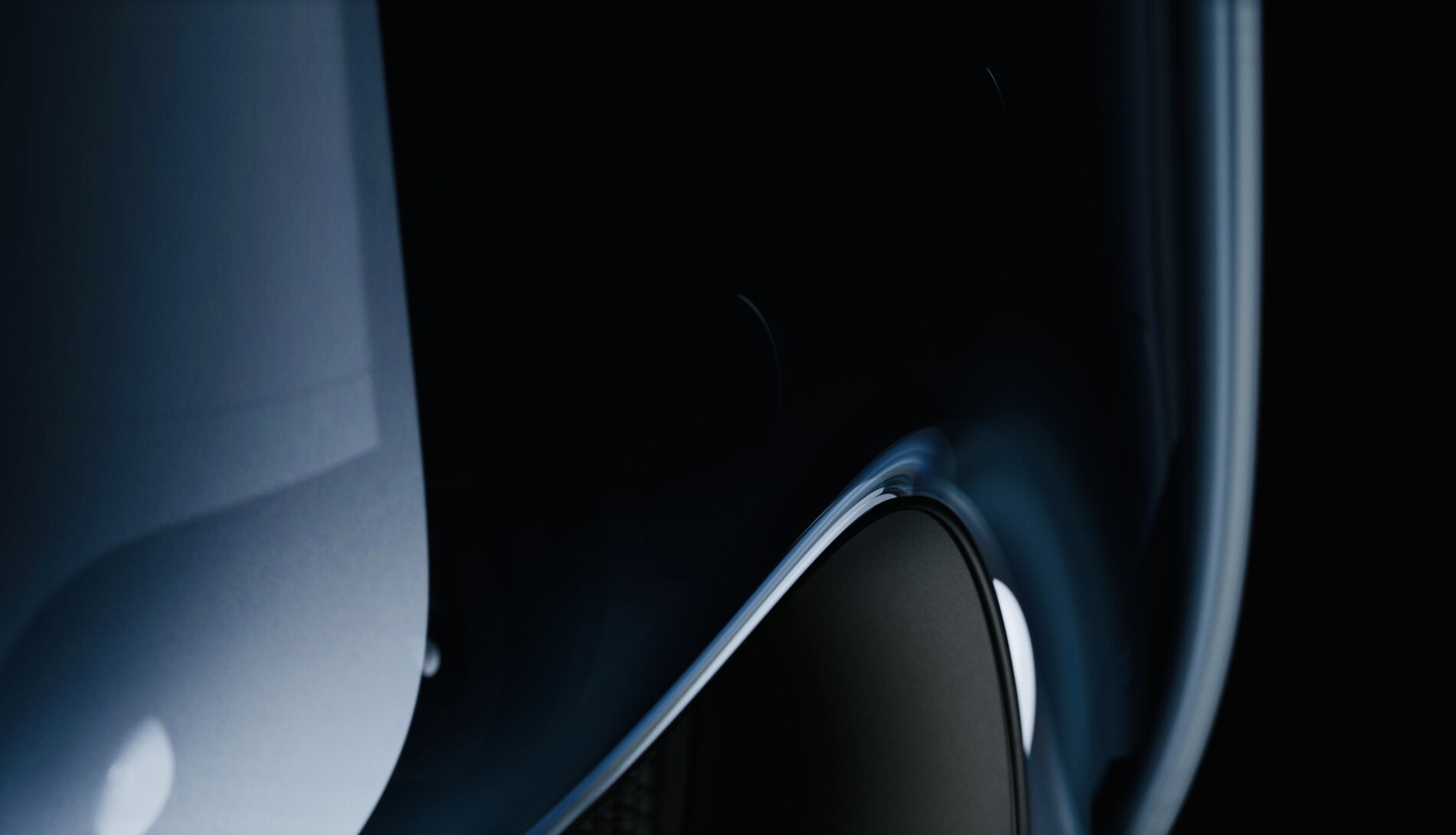

I was incredibly fortunate to have the opportunity to try Vision Pro this week. The experience was overwhelming in the best possible way. I'm still collecting my thoughts for a longer Design Diary post, but it was so transformative that I'm finding it hard to put the experience into words.
As I work on that, I wanted to ask for any questions folks had with regards to using it and more generally for the platform from a developer/designer perspective. I'll do my best to answer to them.
Another good #VisionPro experience write-up: https://daringfireball.net/2023/06/first_impressions_of_vision_pro_and_visionos
It seems that Apple is "over the bar" on a variety of important "must haves". (One is the consistent "no nausea" reports, including from multiple females. Another is affordable for enough developers.) Maybe they finally got there so it's time to release to developers to innovate.
Thinking how Apple #VisionPro with no handheld controllers and highly crafted use of eyes/fingers mirrors the original iPhone vs. smartphones with keyboards. Also running full "desktop" browser vs stripped-down "mobile" ones.
@mikesax We'll see. For visually-orient people, organizing by space in 3D is very powerful. (You should see all of the piles around my desk and office...) For other, it may not. Sound and visual changes in your peripheral vision can help with navigating through multi-taking.
@mikesax I quite agree. A few years ago when I tried an AR system, as I recall, I saw how 3D charts were much better to comprehend when you could move it and you.
@mikesax Yes! Apple mentioned that, I think, how conferencing uses the 3D sound. Could add sounds to actions with 3D as we work together.
@mikesax Eye tracking could do that, but, for good privacy reasons, Apple is currently not giving any eye-tracking info to the app. It only gives the location of the gesture done there. (Though could be long gaze if enabled by user in Accessibility). We'll see how closed they keep this over time.
One of the VisiCalc guys, CTO Alpha Software, DBDemo, Trellix, blogger, podcaster, SocialCalc, iPad app: Note Taker HD, president of Software Garden, Inc.
Joined Nov 2022
