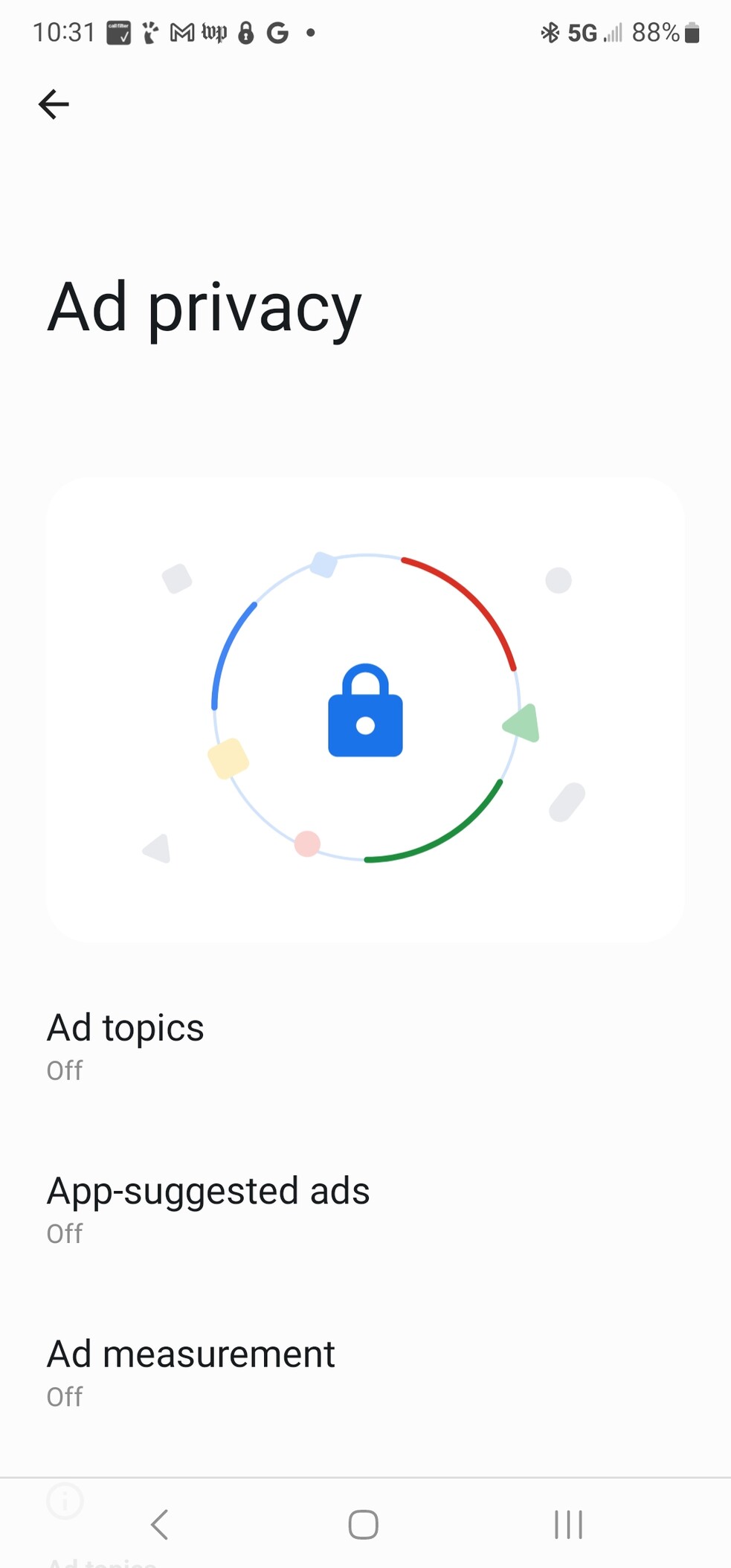
Apparently Google added a "Ad Privacy" feature to Android, and it's buried pretty deep. To turn it off, go to:
Settings->Security and Privacy->Privacy->Other privacy settings->Ads->Ad Privacy
#google #android #privacy #enshittification
@bruce Fwiw, it showed a popup when that update was installed on mine. That allowed me to go to the settings with a single click and disable them.
@LouisIngenthron Same. I added full directions in case anyone reading this missed the notification.
CleverLibre Social is an inclusive social instance for open discussion, learning, and community. All cultures welcome. Hate speech and harassment strictly forbidden.


@LouisIngenthron Same. I added full directions in case anyone reading this missed the notification.