Well, I've farted around enough with my blog's layout and theme, I'd better get to writing.
But before I do. Should I add an optional "Dark Mode" CSS?
Hmmm. Is there a way for users to toggle dark mode on/off *without* using JavaScript?
I know it can be set at the OS or browser level. But what about at the site level?
Here's an *incredibly* lazy #darkmode
```
body { filter: invert(1); }
img { filter: invert(1); }
```
Reverses all your colours, but keeps images the same.
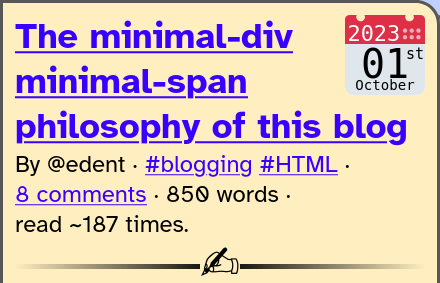
Got bored of trying to add a dark mode to my CSS, so I added a friendly little SVG calendar next to every post instead.
Uses the <time> element to semantically add the date. The SVG has text, so might be readable by screen readers. If not, there's alt text on there.
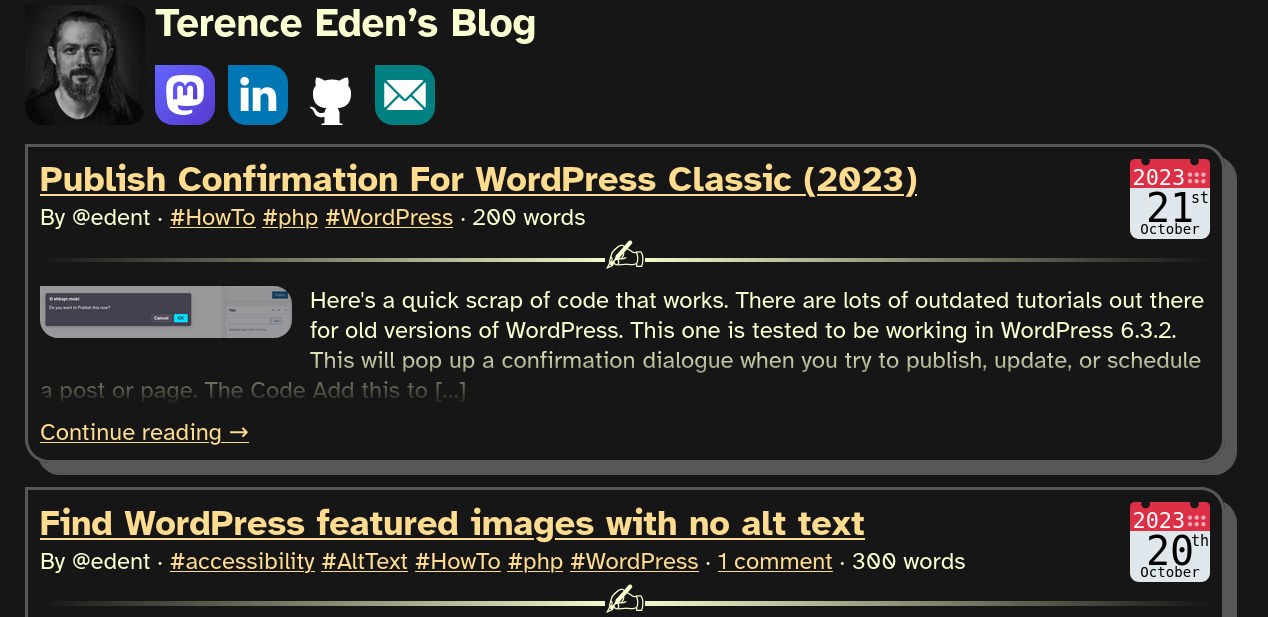
OK! I've added a rudimentary Dark Mode on my blog - https://shkspr.mobi/blog/
Feedback & bug reports very much welcome.
It should trigger if you've set your phone / computer / browser to use dark mode. I'll add a toggle later.
I'm nearly there with my dark mode toggle.
But I can't decide what to do with it on narrow screens…
Move it to a new line?
Shrink the social icons / avatar?
Something clever with CSS that I don't know about?
Thoughts?
Well! That's a bit better.
Obviously it all goes a bit Pete Tong if your screen's narrower than your finger.
And here's the #CSS switcher in action!
This is CSS *only*. No JavaScript involved.
Sadly, doesn't yet work on Firefox due to the lack of `:has()` support.
And it won't remember your choice. That's tomorrow's challenge.
And this is it working in Chrome for Android.
I've had to use feature detection to make it only available on Chrome. Looks like Firefox support is coming soon.
Now, if only I were better at picking colour palettes!
Here's just about the minimum amount of JS needed to remember a user's preference in LocalStorage.
```
// Get the theme switcher
var themeSelect = document.getElementById('theme');
// If a theme has previously been selected, set it
if (localStorage.theme) {
themeSelect.value = localStorage.theme;
}
// Listen for any changes and save them
if(themeSelect) {
themeSelect.addEventListener('change', function(event){
localStorage.setItem('theme', themeSelect.value);
});
}
```

@Edent you want to be fractionally more paranoid than that; in some browsers (I think iOS Safari, maybe others) in private browsing modes, localStorage may either not be available (so window.localStorage doesn't even exist) or may throw errors when used. I'm not 100% sure about this -- haven't checked in a little while.
@sil
If someone is in private mode, they actively don't want my site to remember their preferences.
@Edent sure, but you probably don't want to throw a JS error, no? That might stop other code from running.