
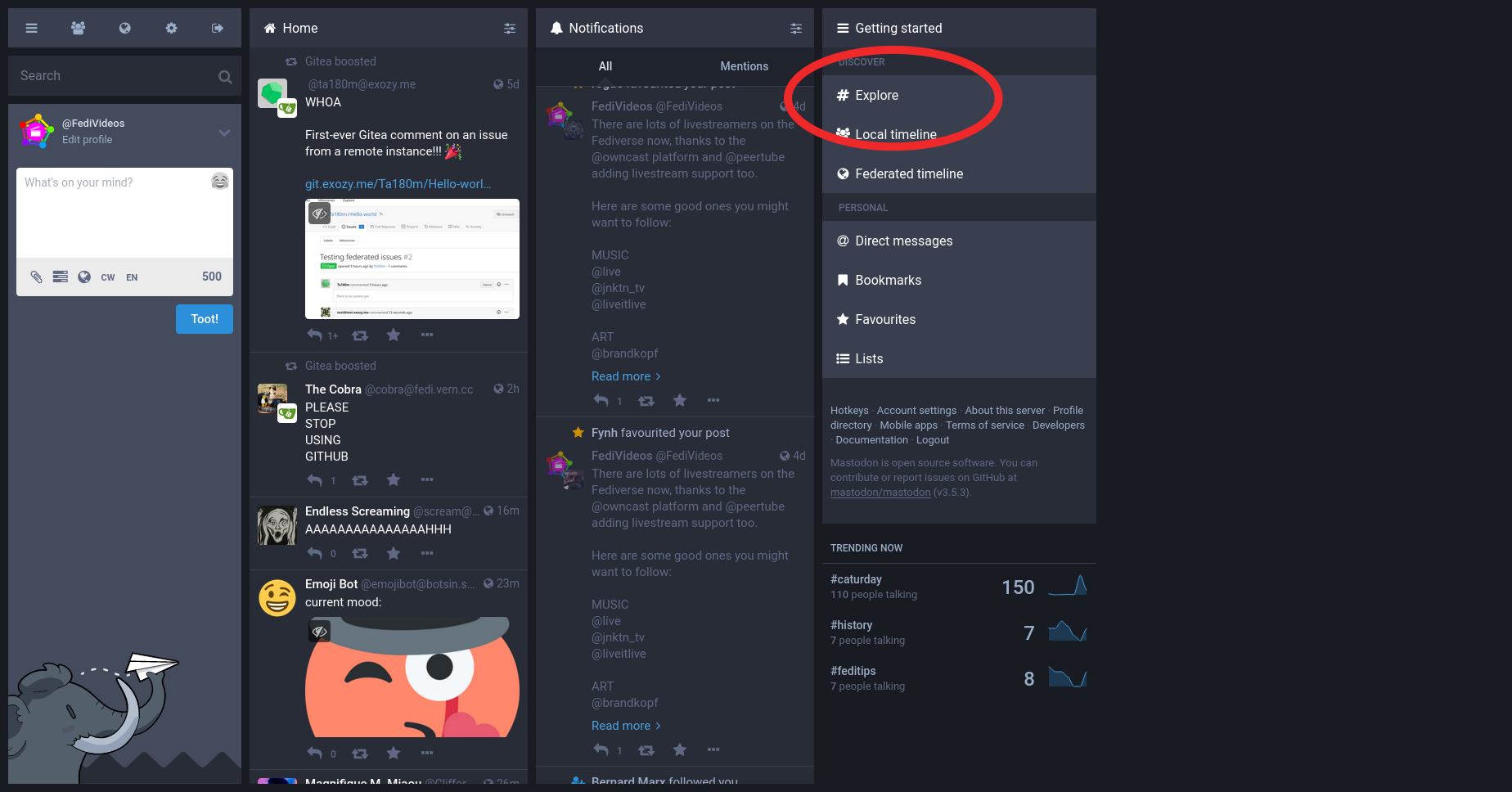
If you're new here and trying to find stuff to interact with on Mastodon, try clicking the "Explore" tab.
Explore has the following sections:
▸ "Posts", which shows the most shared posts of the last few hours
▸ "Hashtags", showing the most used hashtags of the last few hours
▸ "News", showing the most shared links of the last few hours (some servers restrict which site's links can be listed here)
▸ "For You", suggesting accounts to follow (suggestions are based on how many active followers accounts have and how widely shared their posts are)
To access the Explore tab on the website's desktop version, click on the "# Explore" link at the right side of the screen.
To access Explore on the official mobile app and on the mobile website, click on the magnifying glass icon 🔍

@feditips Is the Explore tab not present in the original multi-column UI? I can't seem to find what you're talking about.


@peterdrake @ScottMGS @freemo
Yeah... I think your instance is running quite an old version of Mastodon?