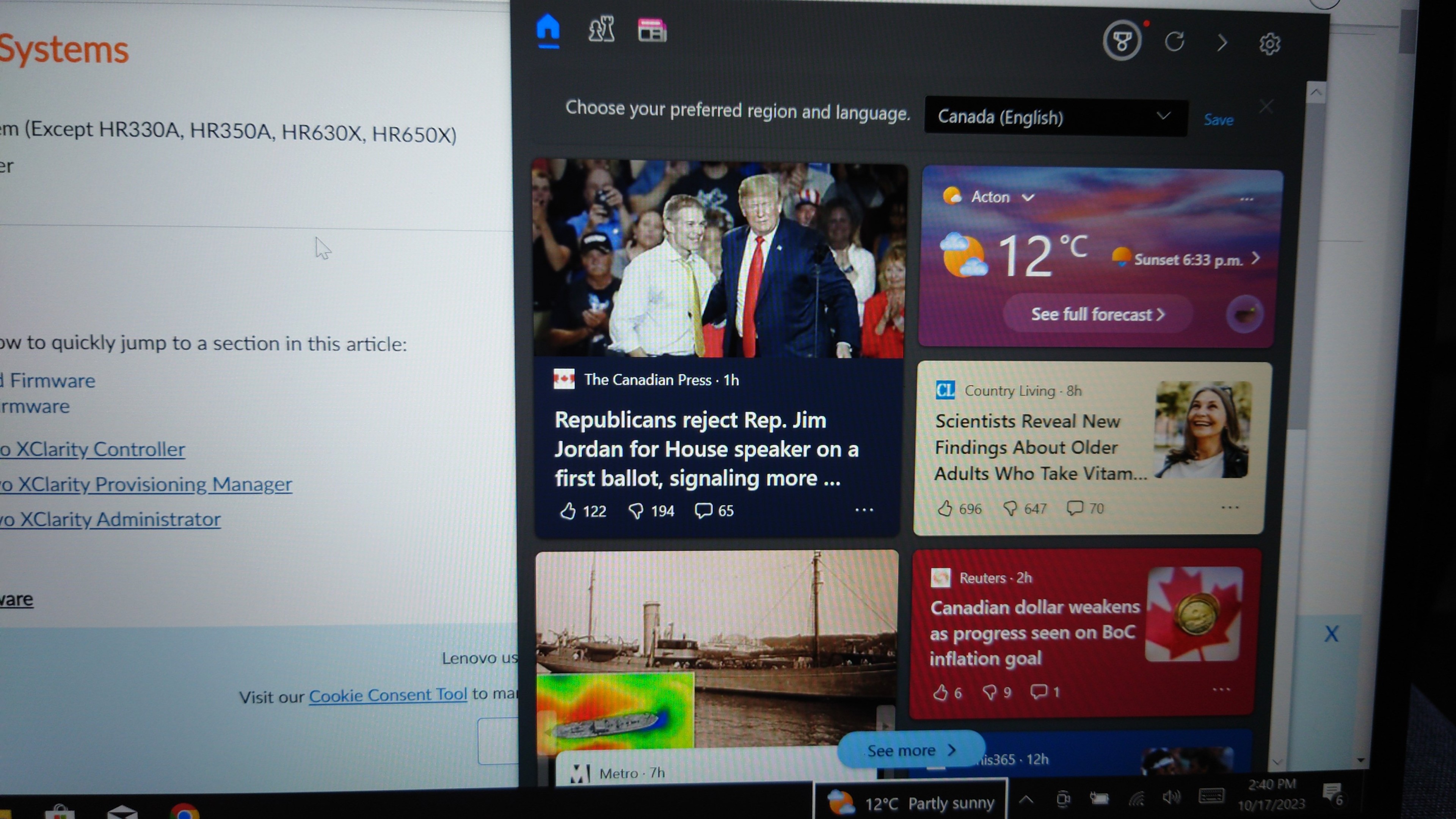
(Also if I type, say, "XClarity" into the Start menu to see if I have XClarity installed, it does a Bing search. But THAT I expected, however much I dislike it, from the other Windows box. Wanting to tell me the local weather (real interesting it knows what the local weather is even though I disabled location services!) was a subversion I was totally unprepared for
Oh… right after posting this I tried to alt-tab, accidentally entered win-tab, and win-tab caused the weather widget I don't want to blossom into a picture of Donald Trump. I guess, somehow, a dedicated button for showing you a picture of Donald Trump is something I should expect of Windows by now.
Actually, this Lenovo Vantage thing (runs through all the pieces of hardware in your laptop, tells you which ones need firmware updates, installs them) is *really* nice. Exactly what I feel like I'm usually missing in Windows. This is a pleasant surprise because the last time I bought a Lenovo was when they were installing like, Superfish malware.
…I'm assuming that Vantage didn't just install Superfish, of course.
Hm. The Lenovo boot menu is not letting me select the USB stick with the Ubuntu installer on it. When I select it the screen just blinks black then it takes me back to the same menu. Some Google hits are recommending I disable secure boot. Should I need to disable secure boot to run the Ubuntu 22 LTS installer? I thought Ubuntu kernels were signed by Microsoft or some shit
Now that I'm inside the Ubuntu installer, the first thing I notice is that it has not detected the 1080p laptop screen ("1.5x retina") is a high density display, and it does not give any options to increase the font size. I am forty years old and my eyes are not so good. I'm finding the text very hard to read. Imagine how bad it would be if this monitor were 4k!
It would be nice to include font size options on the screen with language select, esp if you don't detect HiDPI monitors.
Why does Ubuntu require a firmware level password for secure boot when Windows does not appear to require this?
(This is not a good photo. My phone camera is struggling to accommodate the Ubuntu installer's tiny text.)
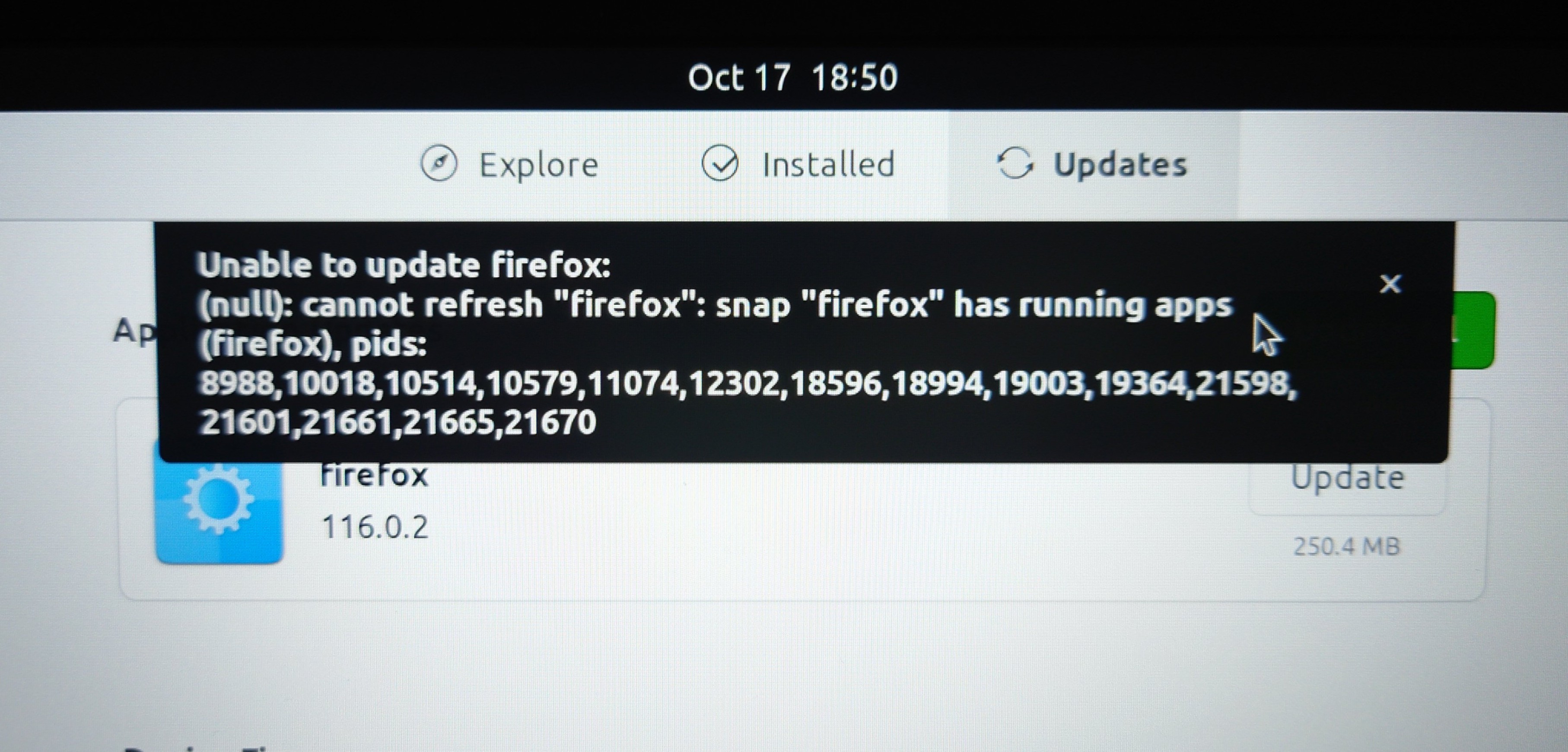
This isn't *really* a problem, not really, but in my opinion this error message could have been worded in a more friendly way.
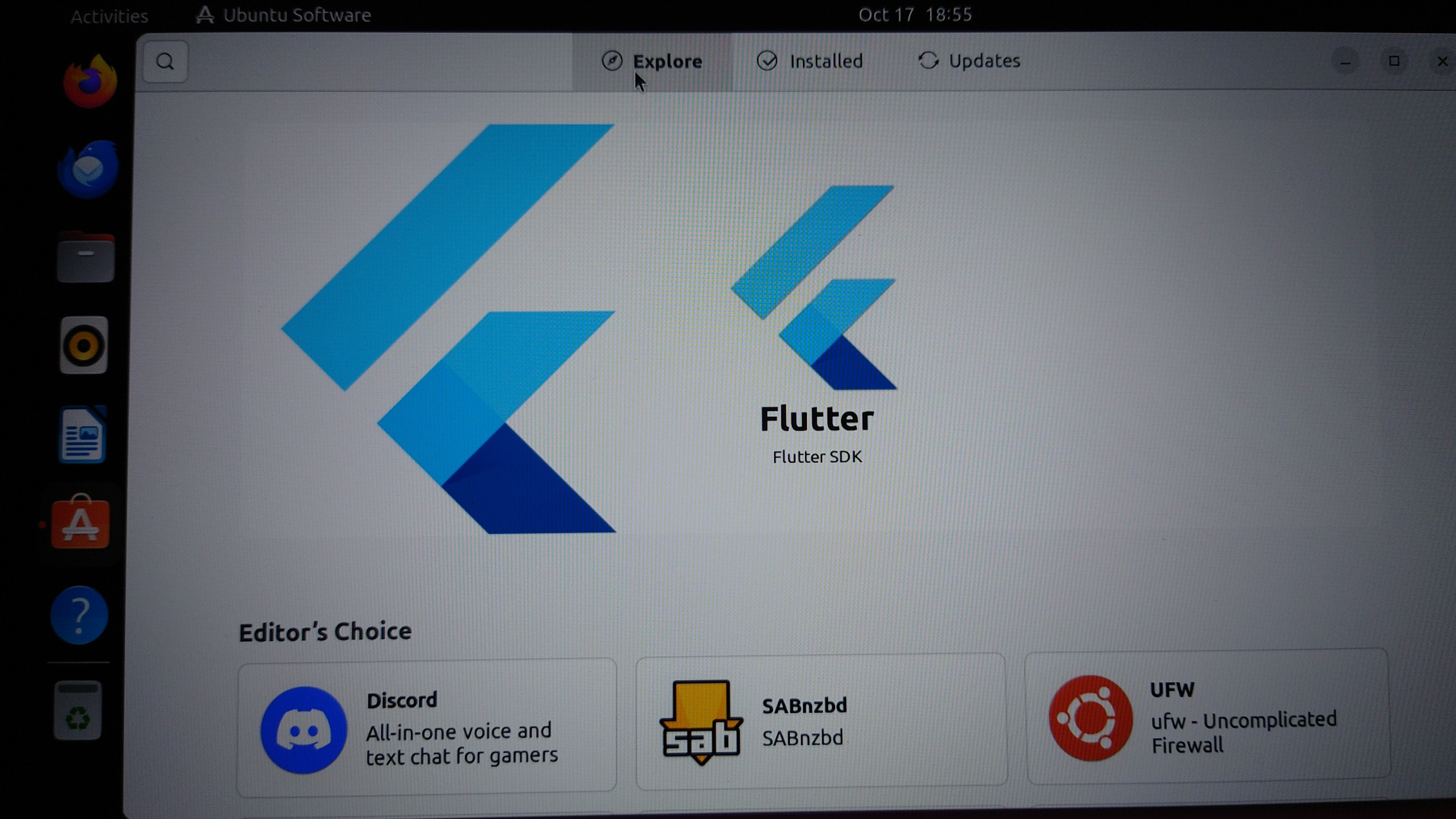
Ubuntu's app store is offering to install the Flutter SDK. I am extremely excited about this. This is not a joke. I am sincerely feeling relief and happiness at the potential of one click installation of the Flutter SDK
It's also offering "SABnzbd". To be honest, I'm not really feeling any excitement about "SABnbzd".
If I use usermod in a recovery root prompt to change the login name of a user account after completing a GUI install, in your opinion, will this probably break anything
My guess is no because UIDs remain unchanged but Ubuntu *has* surprised me before
Is "rhythmbox" for Ubuntu a good music player? Is there a bettre one?
Linux "can you support my fucking monitor?" update
- On initial install, Grub didn't have display drivers and displayed. It was great. Then Ubuntu downloaded some drivers and updates and now grub has tiny text. Booo
- I can set a high-dpi upscale on my logged-in session... BUT as far as I've found there is no way to apply it to the login screen!! It also (unsurprisingly?) does not apply to virtual terminals/TTYs outside of X.
(1 of 2)
- Firefox and Chrome do not support fractional display scaling. Either of them. All text appears blurry. So that's a bad sign. (Lenovo's preferred "1080p laptop" version of high-dpi requires 150% scaling for things to be regular size.)
- I can get correct fractional scaling in both Chrome and Firefox by forcing on "pure wayland" (IE, not xwayland). But this is not fully supported in either. It's also unclear if I can do this with Electron apps, such as BitWarden, which I rely on hard.
I was initially unable to sign into my BitWarden account because I was given an unusually complex CAPTCHA which was unreadable due to Electron not supporting fractional scaling correctly.
I'm now running Chrome in the (deeply hidden; mysteriously labeled as "enable Ozone") pure Wayland mode, but unfortunately Chrome in Wayland has several major bugs, several of which I filed myself. This may be the actual thing which forces me to switch to Firefox, finally, after everything else.
If you're curious, this is my showstopper, "has actually been preventing me from using Linux at all for most of this year" Chrome-on-Wayland bug:
https://bugs.chromium.org/p/chromium/issues/detail?id=1455511#c_ts1692113814
I would summarize this as "it doesn't use fucking ibus" with the user-facing symptom being "Andi cannot type an ellipsis because XCompose is jacked up". The bug has not moved since June, with the very non-reassuring last response from Google devs being (paraphrasing) "huh, that's interesting. I wonder how you use ibus?" (4/4)
Alright, I'm hearing the most recent Ubuntu (23.10) may have better Wayland/fractional scaling support than the LTS (someone said that, at least, Firefox should work right out of the box), so I guess I'm dist-upgrading the same day I installed the OS.
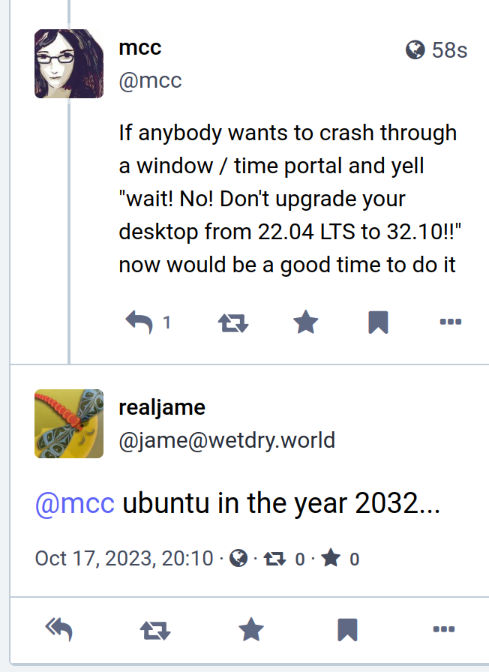
If anybody wants to crash through a window / time portal and yell "wait! No! Don't upgrade your desktop from 22.04 LTS to 32.10!!" now would be a good time to do it
The GUI updater which I am running in hopes it will make more apps support fractional scaling, does not support fractional scaling. I guess that's not actually surprising but I hope the upgrade from 23.10 to something else will not have this problem
So I open the software updater GUI. I tell it to install any update, not just LTS. I ask it to upgrade Ubuntu. It does and… I'm in 23.04. lsb_release -a confirms it. I check for more updates. The GUI does not find any.
The releases page calmly explains 23.10 is the newest. https://wiki.ubuntu.com/Releases
What am I missing?
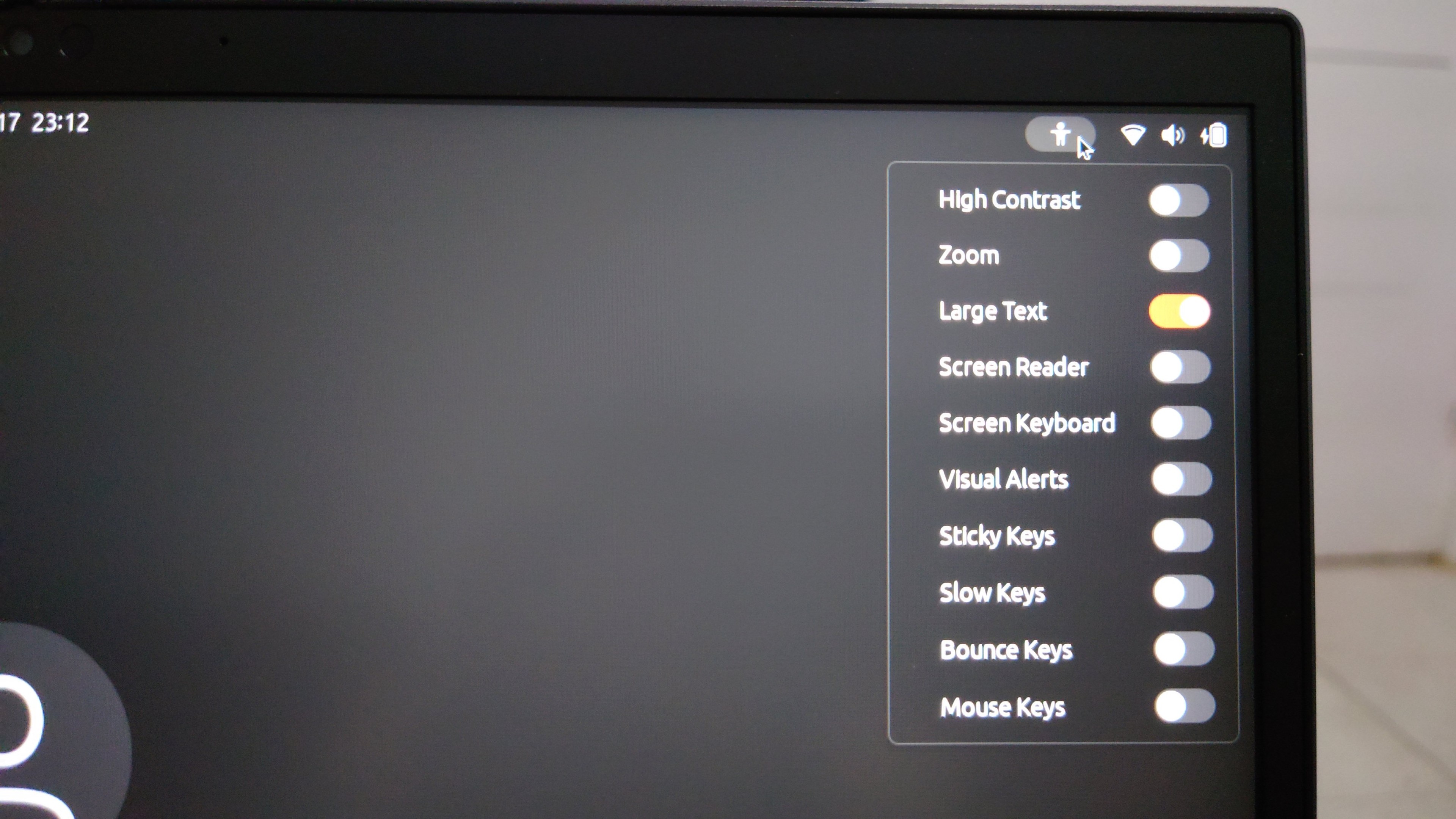
Wait, hold on! I was saying I couldn't get the login screen to use hidpi sized text like the logged-in GUI sessions, but there's a "large text" option in the login screen and always has been, under what I guess is the accessibility menu. I just didn't realize it because until the large text option was turned on the option to turn on large text was in small text
Update: I am in hell. I don't know what it was, if it was selecting "large text" in the installer, or selecting it at the login screen once, or what, but my login session now has the "large text" accessibility option stuck on and I cannot turn it off. If I turn it off in the accessibility menu it just turns itself back on on next login. If I turn it off on the accessibility settings, then close and reopen same, it's back on. "Large text" stacks with display scaling so now everything is too large
Also, this is... this is one of the weirdest problems I've ever seen so I barely know how to describe it, but I'm having a *repeated* problem, in both Ubuntu 22.04 LTS and 23.10, where clicks on the title bar of a window will "fall through" the window and be applied to whatever window is *behind* the one I clicked on, at the exact point in the screen where I clicked. Has anyone ever seen anything like this, I am baffled
Whelp, this is frustrating. I switched from 22.04 to 23.10 to get Firefox to support hidpi scaling, and that worked, BUT now all the text is impractically large, so it's kinda hard to like... use the laptop. I had sincerely expected I'd have a working OS by the end of the day, but I've installed Linux twice and still don't, and I'm uncertain whether to start configuring in case I need to do it a third time. I guess next time I pick up this laptop it's gonna be to start filing bugs?
I think the thing that's just killing me here is that I got *so close*. I *almost* achieved the feat of going from "zero" to "usable Linux system" in one day. But the distance between "almost good enough" and "good enough" is infinite
One more "wait, what" for the road: If I open up "non-advanced mode" in Mastodon, I get a completely different layout on Linux than I do on Windows. Like, completely different. On the web page. I think something about my "large text" problem is causing Mastodon I'm running on a mobile size screen
Thanks everyone who's helped me with both Linux and Windows today. I'm going to go to bed now and definitely not cry
First discovery on waking up: One of the main things I like to do to configure current Linux is install the "dash to panel" extension, which merges the left-side bar and the top bar so you just have the one bar. Because why on earth not. I don't need two bars, I barely need one. Anyway it turns out that between 22.04 and 23.10 something broke such that enabling this extension, then logging out and back in, gives you two taskbars
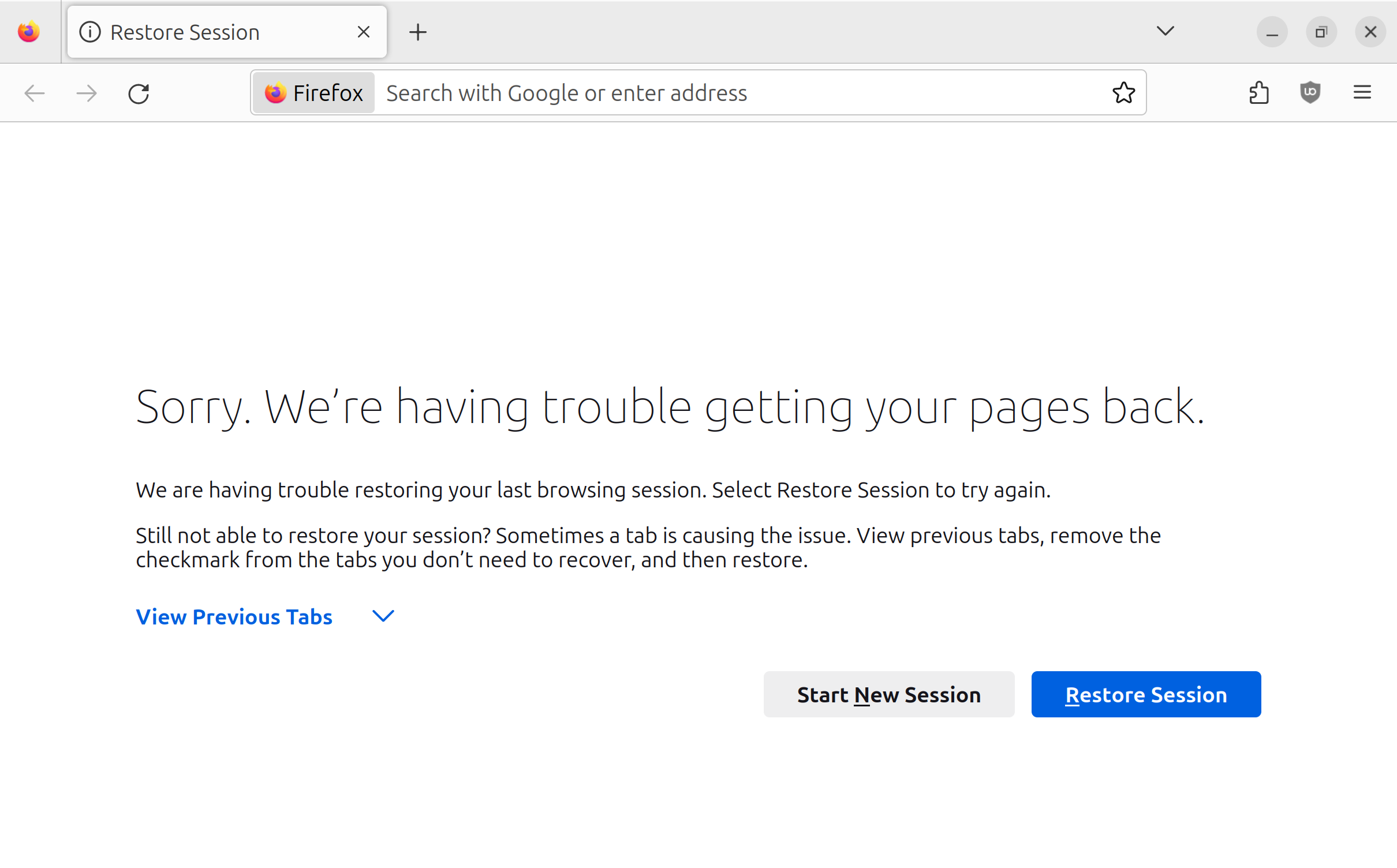
Does anyone have an idea of why I get this screen in my firefox for linux ALMOST EVERY time I log out and back in? I'd say it's like 75-90% of the time.
I actually didn't *tell* it to restore my pages. So it's doing something I didn't ask and then presenting me with an error it couldn't do the thing it decided to do on its own.
Clicking "Restore Session" instantly and fully restores my previous tab.
Got an observation this is because logging out is not closing "properly". However, on other operating systems, such as Mac or Windows, selecting logout will briefly attempt to kill things properly before just terminating the process. Is it surprising that Ubuntu 23.10 is acting otherwise?
Okay. I had a stack of four bugs to file (too large text, can't turn accessibility text off; two start bars; bitwarden doesn't work with 150% display scale; updates to Chrome+Wayland+XCompose bug). I have now filed one of the bugs. https://github.com/home-sweet-gnome/dash-to-panel/issues/1973 Unfortunately: The process of testing the dash-to-panel bug caused me to find two new bugs in Ubuntu 23.10. The stack is only growing.
Update: While attempting to log in to Ubuntu's "Launchpad" platform to file a bug, I found a bug in Ubuntu's "Launchpad" platform.
On logging in, I discovered I'd been assigned a username I didn't care for. I attempted to change it. I got: "Because you have a Launchpad account, you will need to change your username from Launchpad." Notice, in the screenshot, I am on login.launchpad.net.
Note that normally I would have annotated the screenshot rather than just describing things, but I don't have a usable image editor app on Linux yet. I briefly tried installing Krita to fix the bug. This is how I discovered that Krita does not support wayland display scaling
While trying to post a screenshot of a bug I encountered while trying to log into a bug reporter service to report a bug, I discovered a bug
Okay. So it turns out that when login.launchpad.net told me that they could not change my username because I had to do it on launchpad, what they were trying to communicate to me is that launchpad.net and login.launchpad.net are two different and unrelated websites. I.. guess.. that.. makes.. sense.
The good news is that the process of changing my username on launchpad.net somehow automatically changed my profile image from blank to "Fluttershy" from My Little Pony. This is delightful.
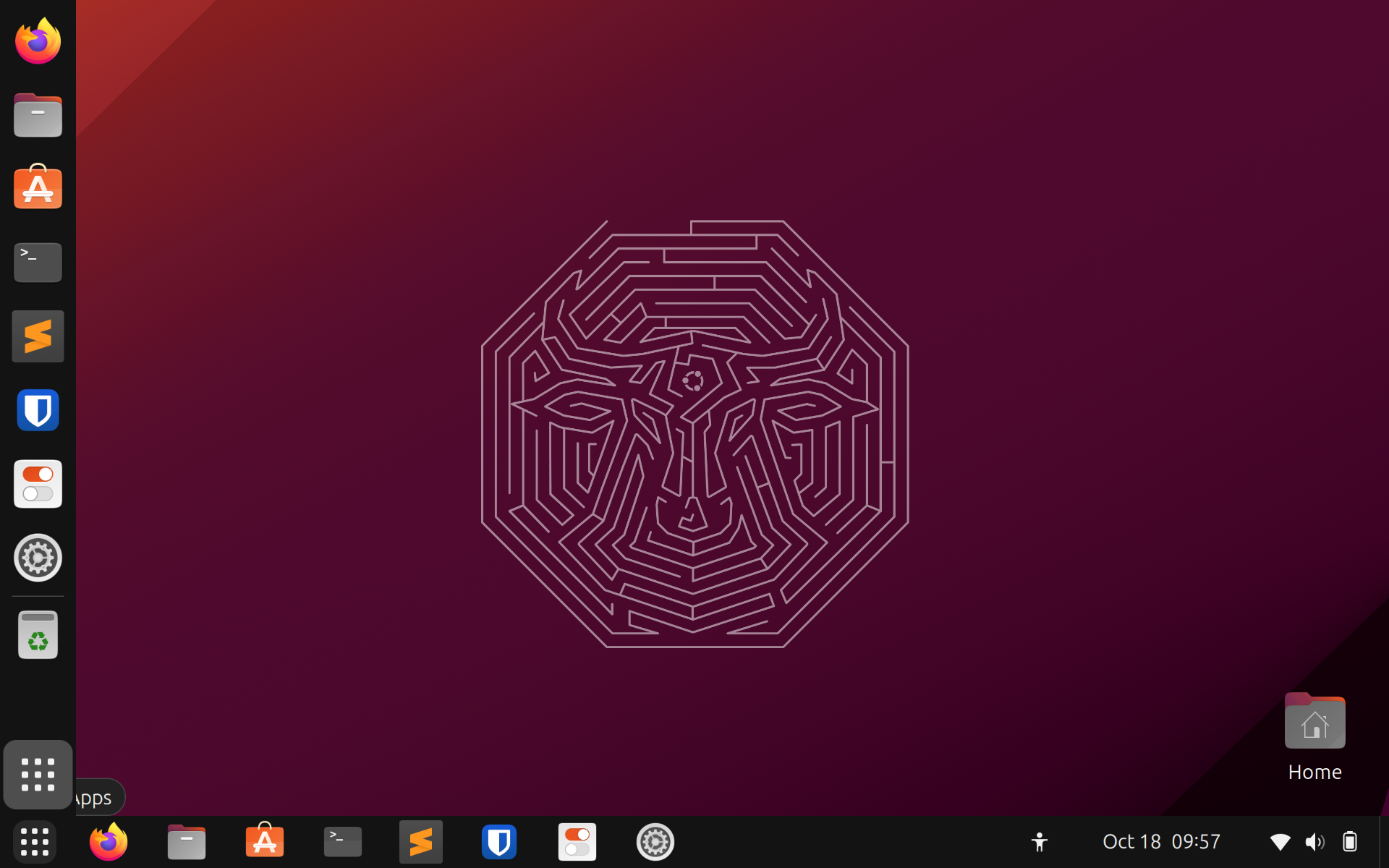
The single thing that most frustrates me about Gnome is that if you right-click something in the dock, the menu does not offer a "what is this?" option of any kind. There is an icon named "Settings" in my dock. The Launchpad docs are VERY CLEAR that I should NOT file a bug on ubuntu-settings if the bug is actually on gnome-control-center. So which is this icon? Who can say?
Like, even Mac OS, the OS that famously hides any information it thinks a user doesn't "need" to know, lets you right click a dock icon and say "show in folder"!
Very minor Ubuntu oddity: It comes shipped with Firefox and Thunderbird. Firefox is installed via snap, and updated/removed through the "App Center" app. Thunderbird is installed via, and updated/removed via, regular Debian apt. I don't think either of these are right or wrong. It's just strange to me they're not the same.
OKAY HEY WTF I CLOSED MY THINKPAD, WENT TO THE RESTROOM, CAME BACK, ENTERED MY PASSWORD AND IT HAD LOGGED ME OUT AND KILLED ALL MY APPS. BLANK SLATE
WTF
This really feels like an issue I should not have to worry about in 2023!!! I will throw it on the pile of issues that Ubuntu had out of the box but which it really feels I should not have to deal with in 2023