
I'm running a script in Node. It uses async code so the first thing I do is write a async function wrapper() {} in which I put the code, then I call wrapper().
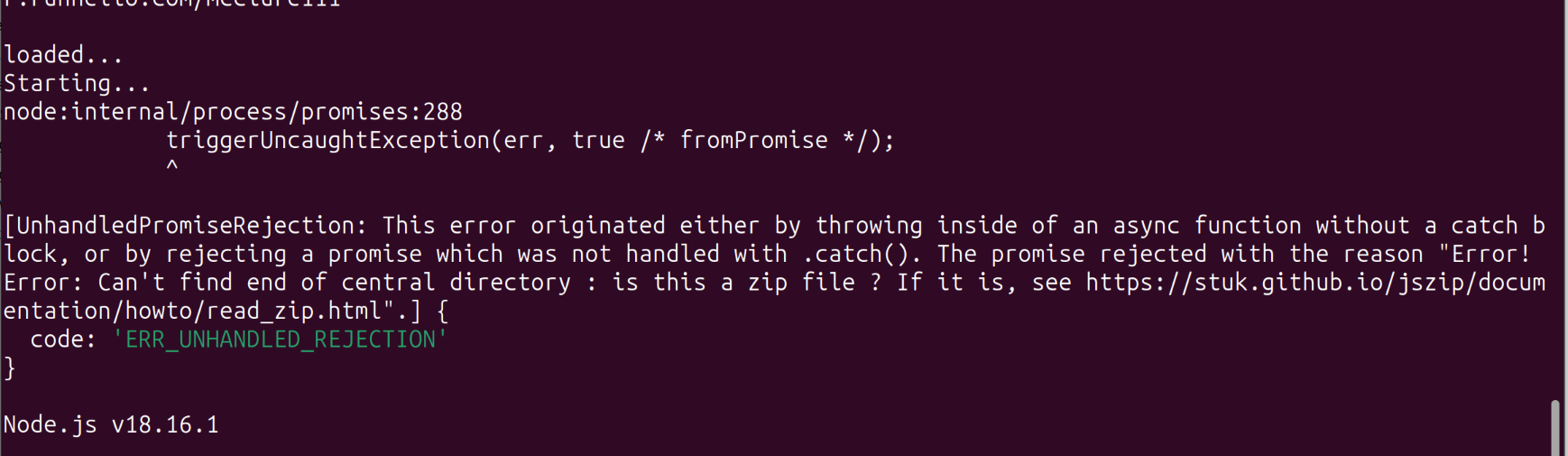
There is an exception, because of course there is. But instead of showing me the exception and stacktrace, Node just prints a long message complaining that an exception was thrown in async code.
How do I get it to like… be… normal… about this. How do I get my stacktrace. Do I have to catch and manually print e.stack

@mcc you don't need a wrapper in recent Node - "top level await" is a thing
Several approaches here https://www.stefanjudis.com/today-i-learned/top-level-await-is-available-in-node-js-modules/
@falken "SyntaxError: await is only valid in async functions and the top level bodies of modules"
I think this is because I must declare my project to be mjs rather than cjs, but I'm already importing with require…
@mcc it's a mind set shift to 'import' but worth taking
@falken In my own programs, I always use import exclusively. However this is partially because my own programs exclusively use TypeScript, which (because it has had import for longer than the web platform has supported it) actually has the capacity to compile mjs "into" cjs (and I think vice versa), and therefore has perfect cross compatibility when you try to mix the two in a single program.
Node, in my experience, is not perfectly cross compatible. To put it mildly.
@mcc it is a bit all or nothing, don't mix in a single project, at least for me

 إمي
إمي
@mcc@mastodon.social @falken@qoto.org If you want to mix CJS and ESM in Node.js, you need to understand the Resolution Algorithm first (warning: it's not for the faint of heart): https://nodejs.org/dist/latest-v20.x/docs/api/esm.html#resolution-algorithm-specification
@mcc@mastodon.social @falken@qoto.org We were forced to move a project to ESM because some dependencies decided to switch to pure ESM and completely remove CJS support (see: https://gist.github.com/sindresorhus/a39789f98801d908bbc7ff3ecc99d99c ), and since other dependencies were still CJS-only, we had to mix both. The biggest issues we faced:
1. We thought we were using ESM in TypeScript because our code had import ... from ... instead of const ... = require(...), but it turns out TypeScript will emit CJS by default and we were never using ESM at runtime. Just open any emitted .js file and see for yourself. The correct way to use ESM is to set "module":"node16" in tsconfig.json
2. There are packages with wrong exports field in package.json. For example, giving the path to a CJS file but claiming it's an ESM file.
3. There are packages where the TypeScript definitions match the CJS files but not the ESM files.
4. TypeScript tries to paper over broken packages using some workarounds (esModuleInterop, allowSyntheticDefaultImports, etc). These will mostly work if you're emitting CJS, but will cause hard to debug runtime import errors if you emit ESM. We ended up disabling them and either fixing the broken packages upstream or adding our own package-specific workarounds.
Sorry if the above sounds like a rant, but I've had a terrible experience and wish to warn others of the pitfalls.

@falken Yeah, I agree. There's this trick where you can mix in one project by actually naming the files .cjs and .mjs, and I've got this to work *exactly* once, and it was such a weird process it made me want to never try it again