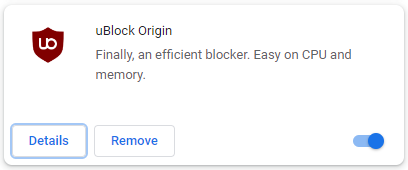
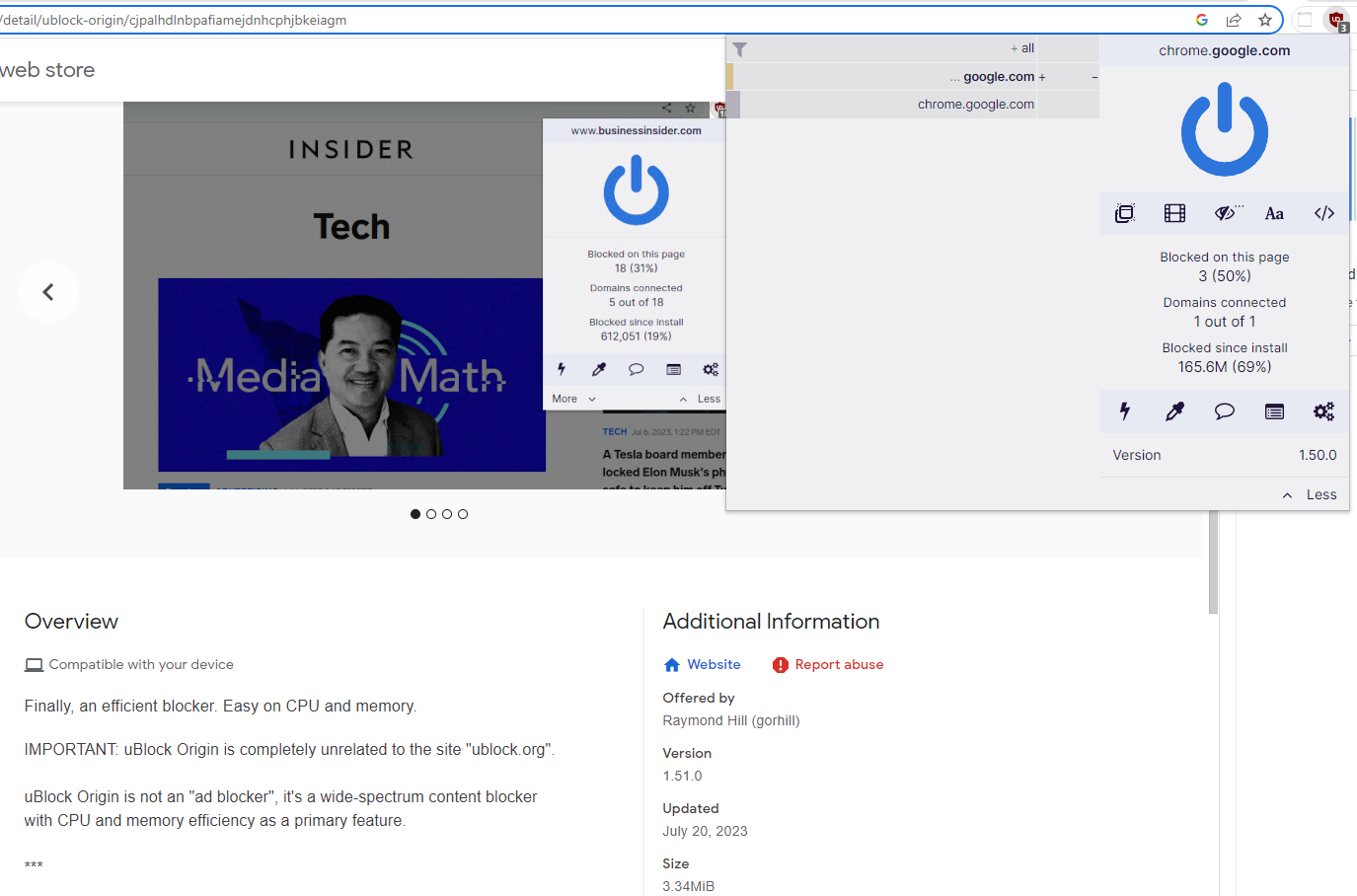
Imagine I have a Chrome browser extension installed and if I look on the Chrome web store it clearly says the most recent version is 1.51 and the version I have installed clearly identifies itself as 1.50.

How do I tell an extension to update to the version that the website claims to exist? The only button I have is "Remove from Chrome"

@mcc visit chrome://extensions and click Update

Follow

@mcc @jxyzn

Try uninstalling and reinstalling it. If it doesn't work, it's very likely an error on their side and it will be solved eventually without your intervention.

But who knows. If it is important, you can always report it.

Sign in to participate in the conversation
CleverLibre Social

CleverLibre Social is an inclusive social instance for open discussion, learning, and community.
All cultures welcome.
Hate speech and harassment strictly forbidden.